

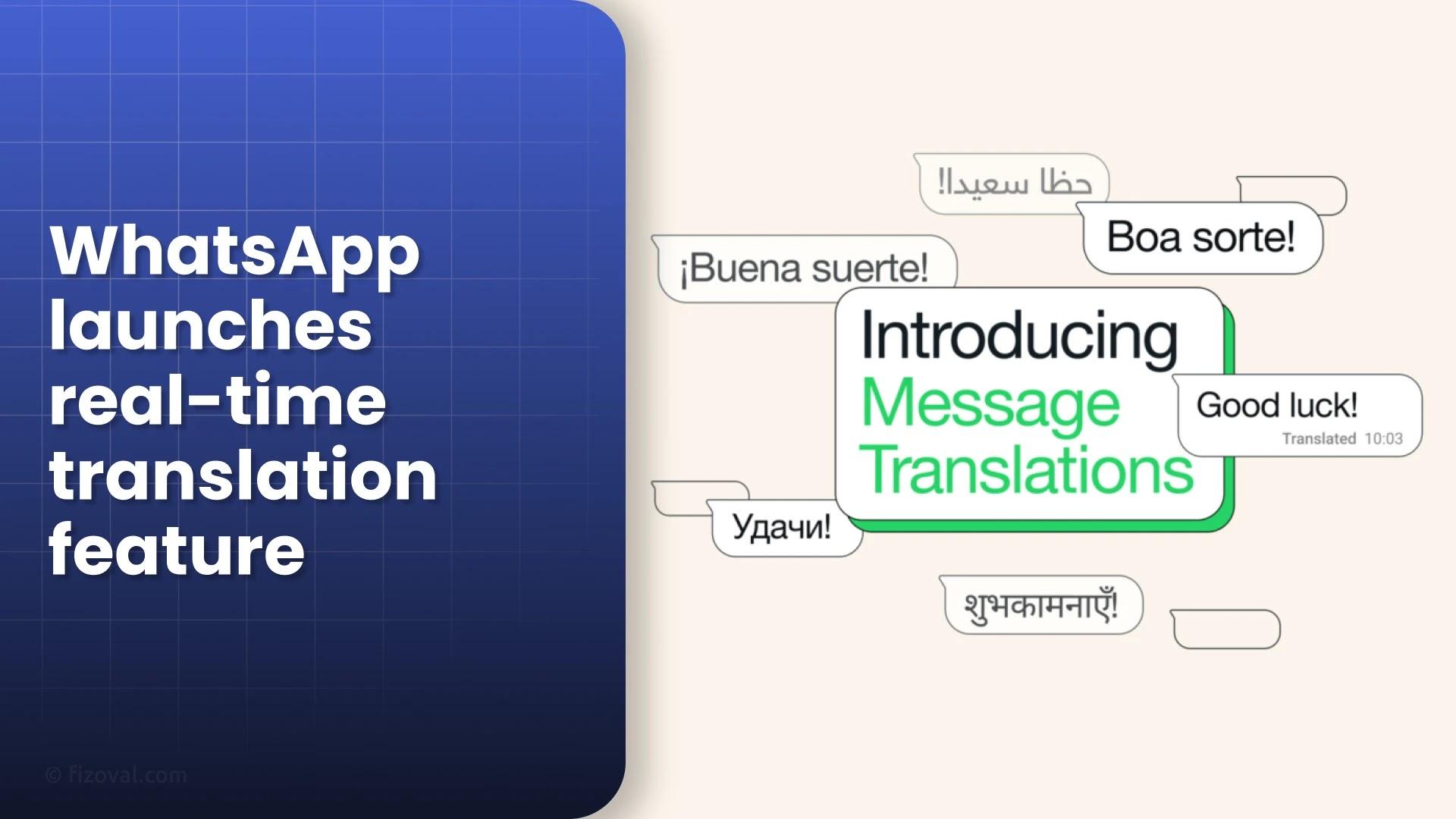
"WhatsApp has rolled out real-time message translation for over 3 billion users. Learn how it works, privacy details, and key differences between Android and iPhone."
WhatsApp’s New Translation Tool Goes Global
WhatsApp has officially launched its real-time message translation feature worldwide in September 2025. With more than three billion users, this update makes cross-language chats easier, faster, and more secure. But what exactly does it offer, and how does it work? Let’s break it down.
How Does WhatsApp Message Translation Work?
Using the new feature is simple. Users can long-press on any message inside personal chats, groups, or Channels and tap on Translate. The text is instantly converted into the chosen language. Android users even get an extra option auto-translate for entire threads. This means that every new message in that chat will appear in your preferred language without additional clicks.
- Works for individual, group, and Channel chats
- Supports downloadable language packs for offline use
- Android: Auto-translate threads for seamless conversations
What About Privacy?
One of the biggest highlights is privacy. All translations happen on your device. This ensures that no text is ever sent to Meta’s or WhatsApp’s servers. End-to-end encryption stays intact, which means no one including WhatsApp can see or store your translated messages. This privacy-first approach is being praised as a key advantage over Google Messages and Apple Messages.
Android vs iPhone: What’s Different?
The feature works slightly differently on Android and iPhone due to platform design choices.
| Platform | Languages at Launch | Auto-Translation |
|---|---|---|
| Android | 6 (English, Spanish, Hindi, Portuguese, Russian, Arabic) | Yes (full chat threads) |
| iPhone | 19+ (Arabic, Dutch, French, German, Hindi, Japanese, Korean, Mandarin, and more) | No (manual per message) |
On Android, WhatsApp uses Meta’s own translation engine. On iOS, the app leverages Apple’s Translations API, which explains why iPhone users get broader language support at launch but no auto-thread translation.
Why Now? The Competitive Context
The rollout comes just months after Apple introduced Live Translation for Messages on iOS 26. Google Messages has long offered tap-to-translate, but it required switching apps. WhatsApp’s tool is the first to bring local, encrypted translations at global scale, positioning it as a leader in multilingual messaging.
“This update is designed for global families, businesses, and communities who communicate across multiple languages every day,” says Meta.
How Can You Use It?
- Update WhatsApp to the latest version.
- Long-press a message and tap Translate.
- Download language packs if you’re on Android (optional but required for offline use).
- Enable auto-translate for threads in Android chat settings.
FAQs
1. Does translation work offline?
Yes. On Android, you can download language packs for offline use. On iPhone, Apple’s translation API handles this automatically.
2. Is the translation safe and private?
Absolutely. All translations happen on your device. WhatsApp cannot see or save them.
3. How many languages are supported?
Android starts with six major global languages, while iPhone supports 19+ at launch. More will be added over time.

