

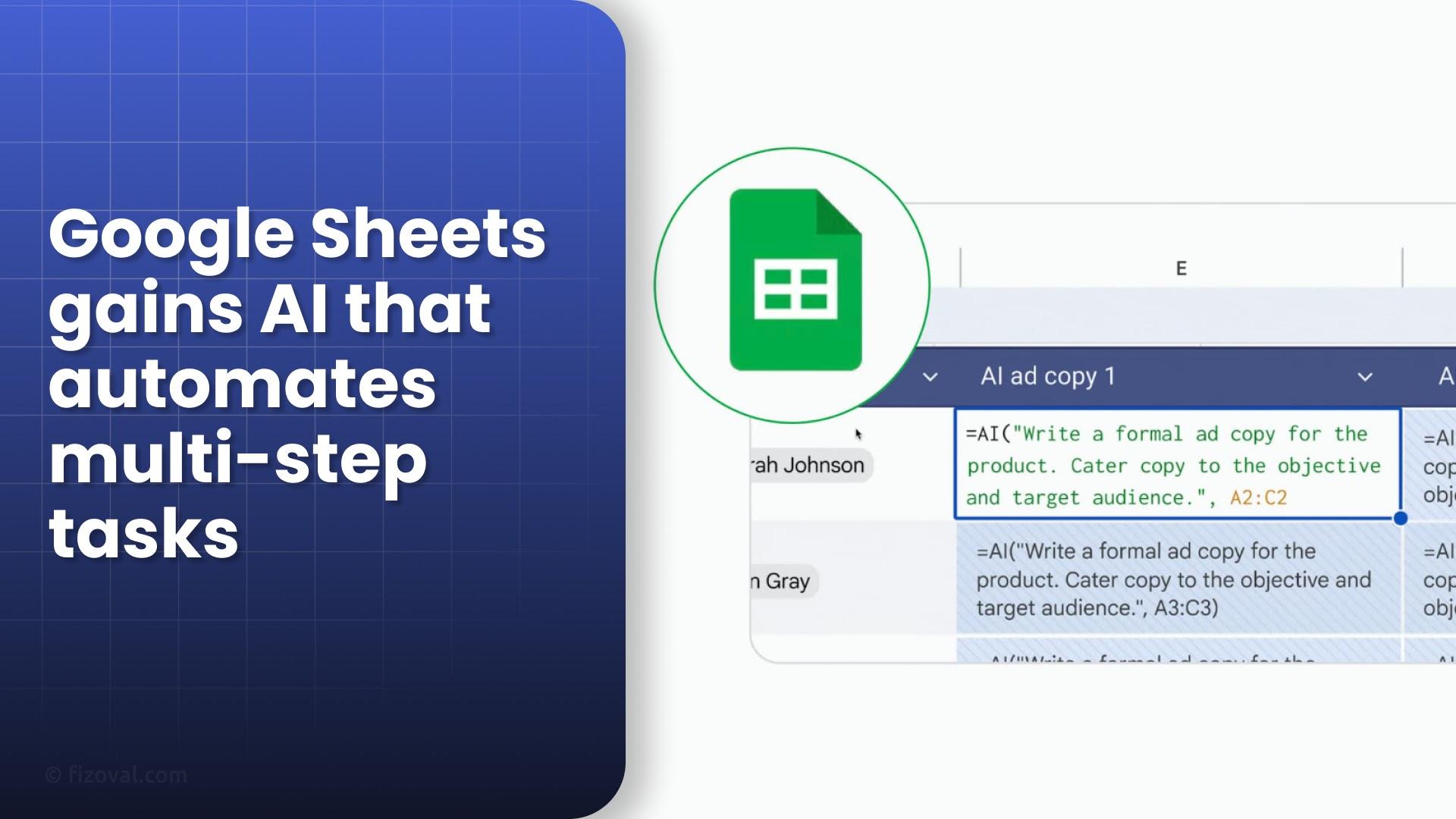
"Google’s Gemini AI upgrade for Sheets now lets you automate complex spreadsheet workflows using simple language prompts—transforming how users handle data."
Google’s Gemini AI update for Google Sheets, launched in October 2025, is a major leap forward for spreadsheet productivity. With its new multi-step automation and conversational commands, Gemini turns Sheets into a smart assistant capable of performing complex data tasks in seconds.
What Makes Gemini AI Different?
Instead of writing formulas or clicking through multiple menus, users can now simply tell Gemini what to do. From formatting and cleaning data to generating charts and summaries, it handles everything with a single plain-English prompt.
Here’s what Gemini can do:
- Reformat project trackers by adding dropdowns for Status and Priority, freezing headers, and calculating due dates.
- Clean sales reports by removing inactive reps, highlighting top performers, and inserting Notes columns.
- Summarize customer feedback or create charts and pivot tables instantly.
Key Features Explained
| Feature | What It Does | Who Benefits |
|---|---|---|
| Conversational Formula Generation | Describe your goal and Gemini creates formulas automatically. | Non-technical users |
| Data Summarization | Quickly summarizes feedback or survey results into clear insights. | Marketers, HR, analysts |
| Automated Workflows | Chains multiple spreadsheet actions into one smart command. | Business teams, project managers |
How Gemini Boosts Productivity
Gemini’s automation tools are already cutting manual spreadsheet work dramatically. Early enterprise users reported a 36% reduction in data entry time. Whether you’re tracking sales, managing HR data, or analyzing feedback, Gemini reduces repetitive clicks and formula errors.
Real-World Use Cases
- Project Management: Auto-build dashboards with progress bars, due date formulas, and dropdown menus.
- Sales Operations: Clean up old records and apply conditional formatting automatically.
- Marketing & Research: Summarize survey data into key insights in seconds.
- HR & Finance: Reformat payroll sheets or performance trackers with one prompt.
Who Can Access Gemini’s Advanced Features?
The new automation tools are premium-only. They’re available for Business Standard/Plus, Enterprise Standard/Plus, and Google AI Pro for Education users. Free-tier accounts must upgrade to unlock the multi-step AI capabilities.
“Gemini is Google’s answer to Microsoft Copilot—but at a more accessible price point.”
Google’s strategy is clear: bring AI to the workplace at scale while making upgrades appealing to educators and enterprises. Compared to Microsoft’s pricing, Gemini’s plan is more cost-effective and flexible.
Referral Program: Try Gemini AI Free for 4 Months
If you know someone who already has Gemini Advanced (via Google One AI Premium), you can get a 4-month free trial worth $80 through their referral link. Each Gemini Advanced subscriber can invite up to three friends.
- Find your referral link in the side panel at gemini.google.com or Google One.
- Click “Invite a friend” to generate your unique referral link.
- Invited users enjoy full access to Gemini’s Workspace tools, Sheets automation, and expanded cloud storage.
Official Referral Page
For verified Workspace referrals, visit: Google Workspace Referral Program.
FAQs
Can I use Gemini AI in Google Sheets for free?
Basic Gemini features may be visible in free accounts, but the advanced multi-step automation requires a premium or enterprise plan.
How do I get a Gemini Advanced referral?
Ask a current Gemini Advanced subscriber for their referral link. You can use it to claim a 4-month free trial of Google One AI Premium.
What makes Gemini better than other AI tools for spreadsheets?
Unlike traditional plugins, Gemini works natively inside Google Sheets, meaning faster automation, smarter formula generation, and tighter integration across Google Workspace.

